 ← Back to Blog
Webflow vs WordPress for Your Business Website: An Honest Comparison
A practical, unbiased comparison of Webflow and WordPress to help you choose the right platform for your business website, based on your content needs, technical resources, and long-term goals.
Why This Comparison Matters for Your Business
Choosing between Webflow and WordPress is one of the most important decisions you will make when building a business website. The platform you pick affects your design flexibility, ongoing maintenance costs, SEO capabilities, content management experience, and how easily you can scale in the future.
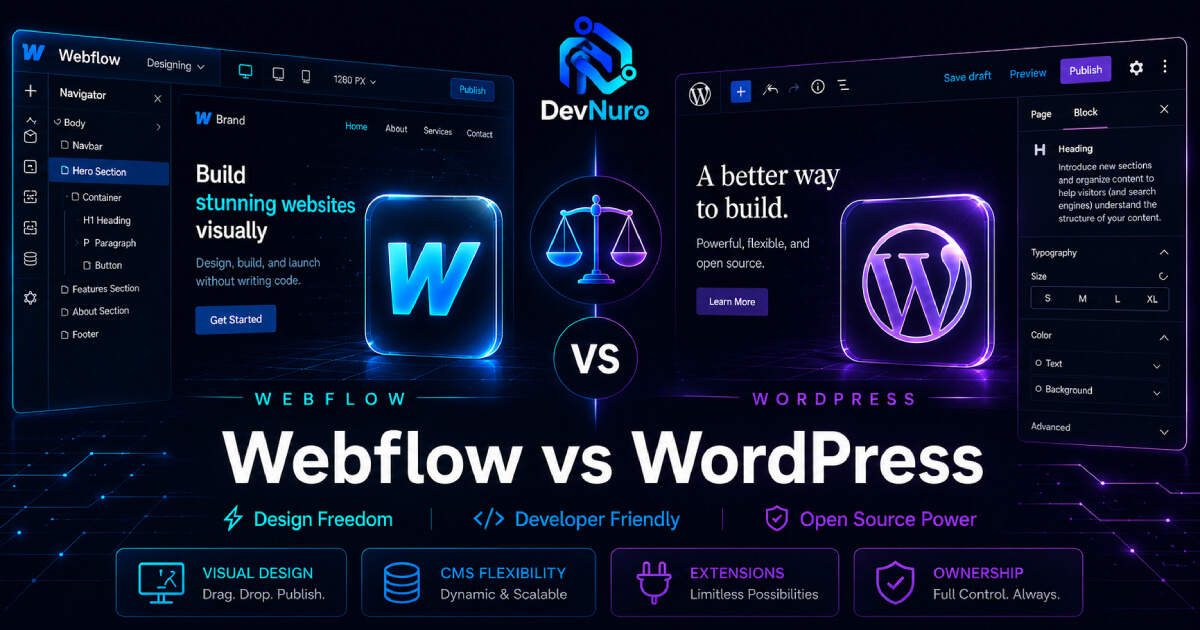
Both platforms are excellent, but they serve different needs. Webflow offers a modern, visual design experience with built-in hosting and cleaner code output. WordPress powers over 40% of all websites on the internet and offers unmatched flexibility through plugins and themes. The right choice depends on your specific business requirements, technical resources, and growth plans.
At DevNuro, we build on both Webflow and WordPress. We are not biased toward either platform. Our goal is to help you understand the tradeoffs so you can make an informed decision. Below we compare them across the dimensions that matter most for a business website.
Quick Comparison Table
| Factor | Webflow | WordPress |
|---|---|---|
| Design Flexibility | Excellent — visual builder with pixel-level control | Good — depends on theme and page builder |
| Ease of Use | High — all-in-one platform, no separate hosting | Moderate — requires hosting setup and plugin management |
| Content Management | Good — CMS collections for structured content | Excellent — native blogging, custom post types, ACF |
| SEO Capabilities | Strong — clean code, auto-sitemaps, meta controls | Very strong — with Yoast or RankMath plugins |
| Maintenance | Low — Webflow handles hosting, security, updates | Moderate to high — regular plugin, theme, core updates |
| Scalability | Good for most business sites and landing pages | Excellent for content-heavy sites, membership, eCommerce |
| Cost (Annual) | $180–$840+ (includes hosting) | $150–$600+ (hosting + premium plugins/themes) |
| Learning Curve | Moderate — visual but opinionated | Low for basic use, steep for deep customization |
Design Flexibility and Visual Control
Webflow was built from the ground up as a visual web design tool. It gives you pixel-level control over every element on the page without writing code. You can create complex layouts, animations, and interactions using a visual interface that generates clean, production-ready HTML, CSS, and JavaScript. For businesses that want a highly customized, polished design without hiring a developer for every change, Webflow is hard to beat.
WordPress, on the other hand, relies on themes and page builders like Elementor, Bricks, or Divi to achieve similar visual control. Modern page builders have come a long way, and you can create beautiful layouts with drag-and-drop interfaces. However, the code output is often less clean than Webflow's, and you may hit limitations when you need something truly custom. For content-heavy sites with complex data structures, WordPress themes with ACF (Advanced Custom Fields) offer flexibility that Webflow cannot easily match.
Verdict: Webflow wins for design-centric sites where visual polish is the priority. WordPress wins when you need complex content architectures or deep customization through code.
Content Management and Ease of Updating
How easy is it for your team to update content after the website is built? This is one of the most overlooked factors when choosing a platform.
Webflow uses a CMS Collections system. You define content types (e.g., blog posts, team members, case studies) with specific fields, and then design templates that display that content dynamically. This works well for structured content but requires upfront planning. Editors can update content through a clean interface, but making layout changes often requires going back into the designer.
WordPress, with its native block editor (Gutenberg) and page builders, offers a more intuitive content editing experience for most users. Combined with ACF, you can create custom fields for any content type and let clients manage everything from a familiar dashboard. For businesses that publish a lot of content — blog posts, news articles, documentation — WordPress remains the more practical choice.
Verdict: WordPress is generally easier for content editors and publishing workflows. Webflow is better for structured, design-controlled content that changes infrequently.
DevNuro Insight: We have built websites on both platforms. For a recent client in the healthcare space, we used Webflow to create a polished marketing site with complex animations and custom interactions. For a fishing charter booking website, we used WordPress with ACF so the client could manage their crew profiles, trip schedules, and pricing tables without developer support. The right choice depends entirely on how your team needs to work with the site day to day.
SEO Capabilities and Performance
Both Webflow and WordPress can produce SEO-friendly websites, but there are meaningful differences in how they handle technical SEO.
Webflow generates clean, semantic HTML by default. It automatically creates XML sitemaps, supports custom meta tags, and produces fast-loading pages with minimal bloat. Webflow also includes built-in CDN hosting, SSL, and HTTP/2 support, which all contribute to good page speed. However, advanced SEO customization — like structured data (JSON-LD) or fine-grained redirect control — can be more limited compared to WordPress.
WordPress, with plugins like Yoast SEO or RankMath, offers granular control over every aspect of technical SEO. You can customize title tags, meta descriptions, Open Graph data, breadcrumbs, canonical URLs, XML sitemaps, and JSON-LD schema markup. The flexibility is unmatched, but it comes with the risk of plugin conflicts and performance bloat if not managed carefully.
Verdict: WordPress offers more advanced SEO control for those who know how to use it. Webflow provides excellent SEO out of the box with less ongoing management.
Maintenance, Security, and Ongoing Costs
Maintenance is where the two platforms diverge most significantly.
Webflow is a fully managed platform. Hosting, security, SSL, CDN, and software updates are all handled by Webflow. You never need to worry about plugin updates, security patches, or server maintenance. This is a huge advantage for businesses that do not have technical staff. The tradeoff is that you are locked into Webflow's ecosystem, and hosting costs increase as your traffic grows.
WordPress requires ongoing maintenance. You need to update the core software, themes, and plugins regularly. You need to manage hosting, backups, security monitoring, and performance optimization. This can be handled by a developer or managed hosting provider (like WP Engine or Kinsta), but it adds complexity and cost. The benefit is that you have complete ownership and control over your website and can take it anywhere.
Verdict: Webflow wins for low-maintenance needs. WordPress offers more ownership and control at the cost of ongoing maintenance.
Scalability: Which Platform Grows With Your Business?
Scalability is not just about handling traffic — it is about adding new features, content types, and integrations as your business evolves.
WordPress is incredibly scalable in terms of functionality. With over 60,000 plugins, you can add eCommerce (WooCommerce), membership systems, learning management systems, forums, booking systems, and more. If you need to add a complex feature later, there is almost certainly a plugin or custom development approach that works. WordPress powers some of the largest content websites in the world.
Webflow is scalable for design and traffic but more limited in functionality. You can integrate with third-party services through Zapier or custom code, and you can build custom interactions and CMS collections. However, if your business needs evolve to require a membership portal, a multi-vendor marketplace, or a custom web application, you may outgrow Webflow and need to migrate part of your setup to a more flexible platform.
Verdict: WordPress scales better for functionality and complex features. Webflow scales well for design and traffic but has functional limits.
Making the Right Choice for Your Business
There is no universal right answer. The best platform depends on your specific situation. Here is a simple framework to help you decide:
Choose Webflow if:
- Design quality and visual polish are your top priority
- You want a low-maintenance, all-in-one platform
- Your content is relatively structured and does not change frequently
- You do not need advanced plugins or custom backend functionality
- Your team includes a designer who can manage the site visually
Choose WordPress if:
- You need a content-heavy site with frequent publishing (blogs, news, resources)
- You want full ownership and portability of your website
- You need advanced functionality like eCommerce, membership, or booking systems
- You require granular SEO control and custom structured data
- You have or can hire a developer for ongoing maintenance and customization
The DevNuro Approach: We Build on Both
At DevNuro, we do not push one platform over the other. We have delivered projects on both Webflow and WordPress — from polished marketing sites with complex Firebase integrations on Webflow to custom ACF-powered content systems and WooCommerce stores on WordPress. Our portfolio includes work for clients like Parasail Siesta (WordPress with dynamic ACF content), Southern Gentlemen Fishing (custom WordPress theme), and NDIT Solutions (Webflow build with ongoing support).
We help you evaluate your content needs, technical resources, design requirements, and growth plans to recommend the right platform. If your needs change later, we can help you migrate or extend your site — because the right choice today does not have to be your only choice forever.
Not Sure Which Platform Is Right for You?
Let's discuss your project. No bias, just honest advice.
Tell us about your business goals, and we will recommend the best platform and approach — whether it is Webflow, WordPress, or something else entirely.
Related Services
Looking for help with your Webflow or WordPress project? Explore our services: